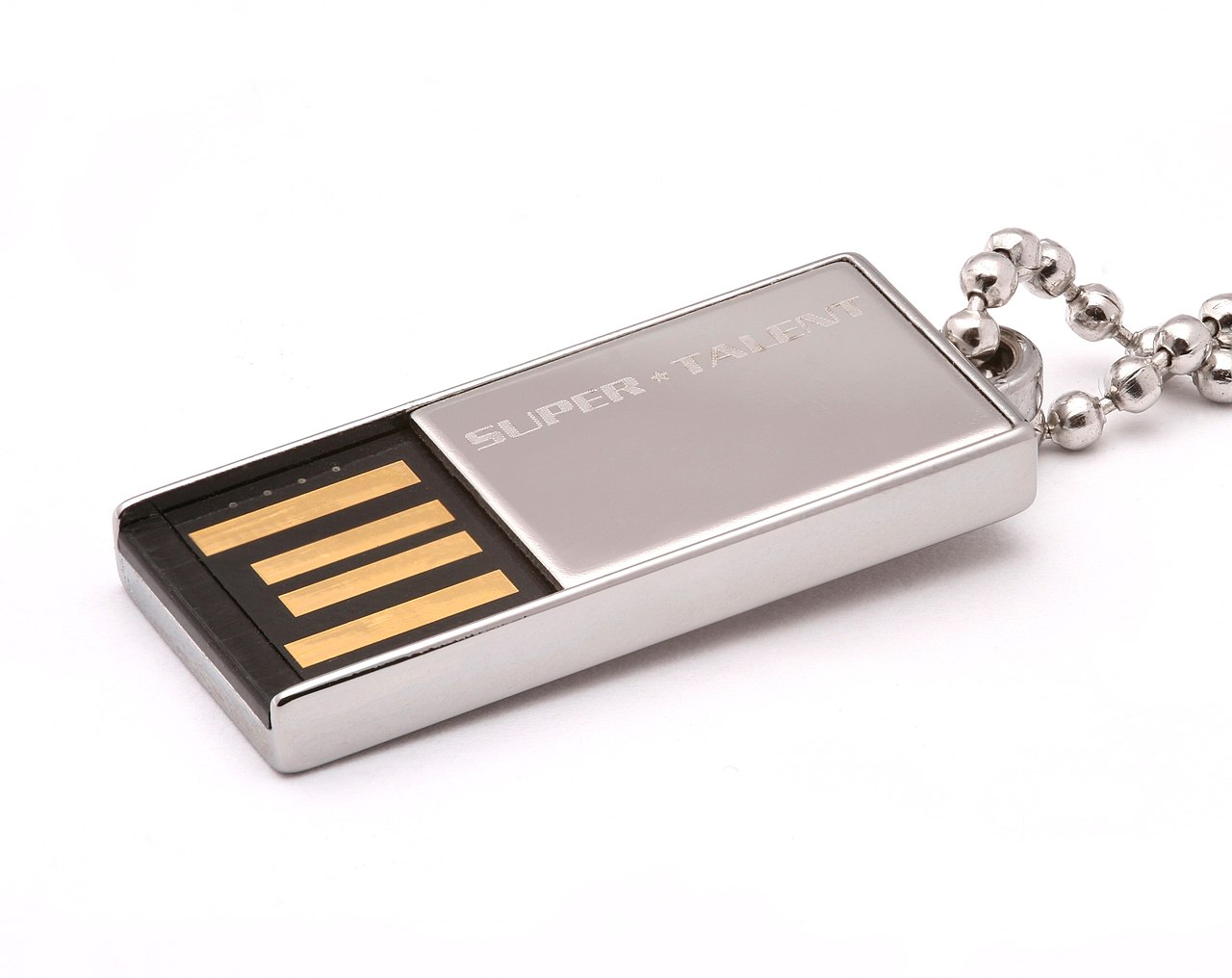
I’ve recently encountered an issue with my Mac OS X Leopard installation that requires me to have the installer disk handy, which I do not have. Given that I do not have a Linux system ready, and I only have Windows 8.1, I will cover how to do this from Windows. This should cover just about any Windows system, but some instructions may differ. I’ve created a software bundle with a fairly descriptive readme, which can be downloaded here. After you’ve downloaded that, follow the instructions in the readme to get a working Mac OS X installer through Windows. This should work with any version of Mac OS X. As goes with just about anything, your mileage may vary, but this worked very well for myself. Hopefully you find as much use of this as I did. If you have any issues, feel free to leave a comment!
Downloads:
Leave a Reply